Laptop Not Powering/Turning On Repair in Kenya
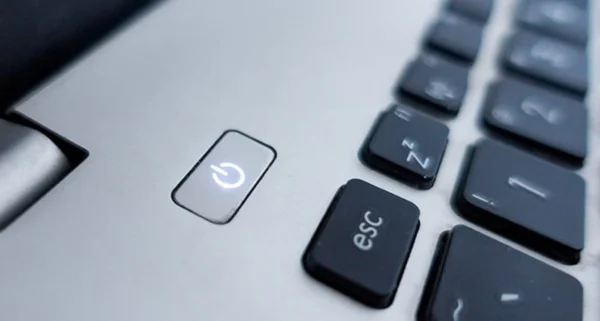
When your machine shows absolute zero signs of life—no fans spinning, no status lights lighting up—swift diagnostics are necessary.
Common Causes of this Problem
- Completely drained, shorted, or dead internal battery cell configuration.
- Faulty RAM modules stopping the system from passing POST operations.
- Blown components, short circuits, or liquid entry points directly on the mainboard.
Troubleshooting Steps You Can Try At Home
- Perform a full CMOS battery static reset by disconnecting all operational hardware power feeds.
- Try running the device exclusively on wall power with the primary battery safely isolated out.
- Listen intently for any faint internal clicking or ticking sounds upon pressing power.
Note: If home troubleshooting steps do not resolve the issue, avoid forcing internal connections to prevent permanent mainboard circuit damage.