Laptop Speakers Repair & Replacement Services in Kenya
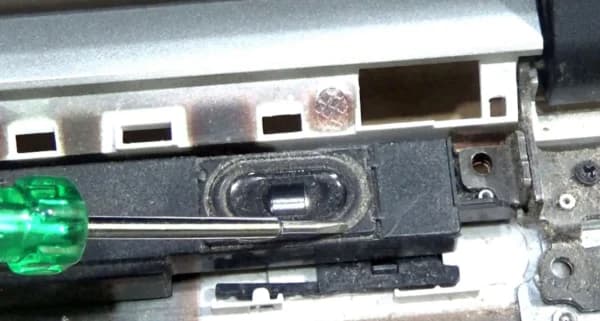
Distorted sound, crackling audio, or a complete loss of sound output can be caused by software driver errors or blown physical speakers.
Common Causes of this Problem
- Torn paper speaker cones from playing max volumes too long.
- Dust and metallic filings blocking the magnetic voice coils.
- Corrupted audio controller software or bad system updates.
Troubleshooting Steps You Can Try At Home
- Test your system sound using external plug-in earphones or Bluetooth speakers.
- Run the integrated Windows Sound Troubleshooter tool to fix software bugs.
- Reinstall the Realtek or High Definition Audio drivers in Device Manager.
Note: If home troubleshooting steps do not resolve the issue, avoid forcing internal connections to prevent permanent mainboard circuit damage.