Laptop Webcam Repair & Replacement Services in Kenya
If your webcam is showing a black screen or throwing error codes during virtual business meetings, it may be a hardware or privacy setting issue.
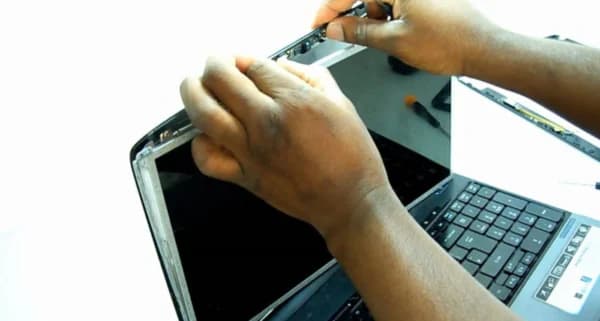
Common Causes of this Problem
- Physical privacy shutters or keyboard switches blocking the camera lens.
- Damaged display hinge cables wearing down from repeated lid movement.
- Strict system privacy permissions blocking app access to video streams.
Troubleshooting Steps You Can Try At Home
- Check for a physical camera shutter switch on top of the screen frame.
- Review Windows Privacy Settings to ensure apps have permission to access your camera.
- Check Device Manager to ensure the webcam is enabled and the drivers are up to date.
Note: If home troubleshooting steps do not resolve the issue, avoid forcing internal connections to prevent permanent mainboard circuit damage.